Write a script
Type a topic or a line. Qlipt writes the script in your niche’s voice, sized to the length you pick, then plans every shot.
Scripts, shot lists, captions and edits for videos where you talk to camera. On iPhone.
We’ll email you on launch day, October 15. No spam.
Sunroom
03 / 60Warm window light: drifting blind shadows, cover titles with a big sky-blue word, hairline frames, a sand pill.
Five things I stopped buying
Draft · Captions ready · 0:48
Back to the editWhat’s your big idea?
“A realtor’s first hour on a new listing
Captions
How I film a week in a day
Transcribing · 42%
Minimal2
Clean words and nothing else, or set on a box.
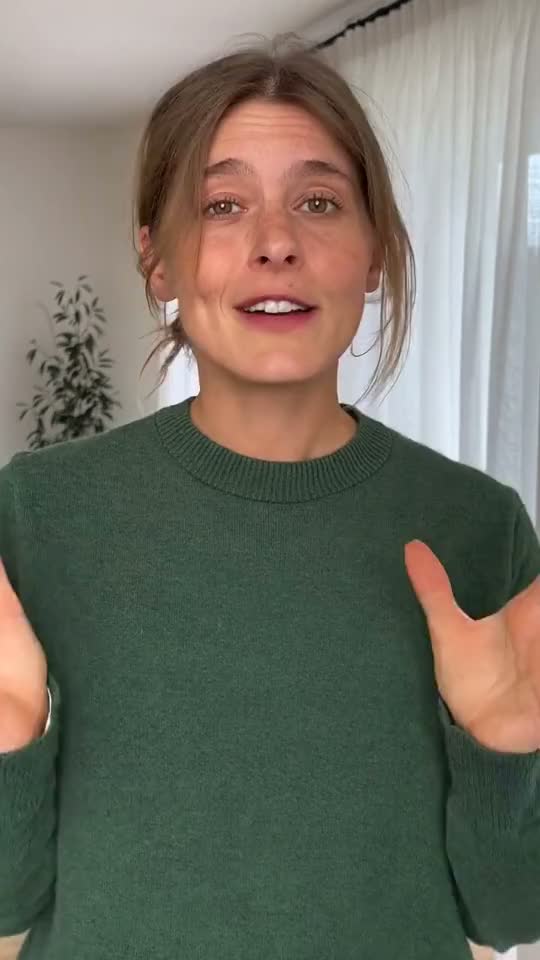
From your videos6
I read
thirty
books
Scripts that sound like your niche, from the first hook.
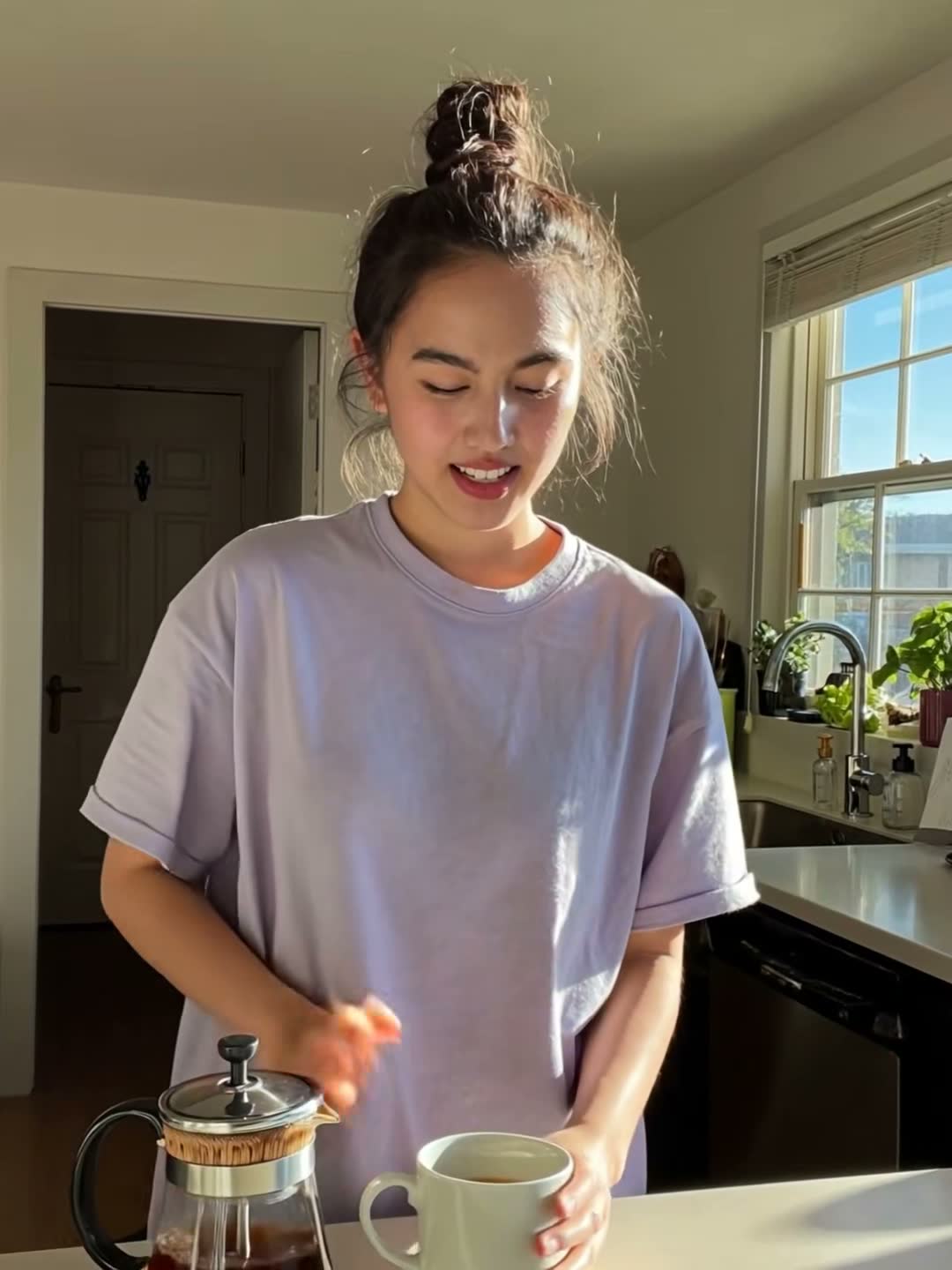
Day in the Life
Vlog your everyday moments.
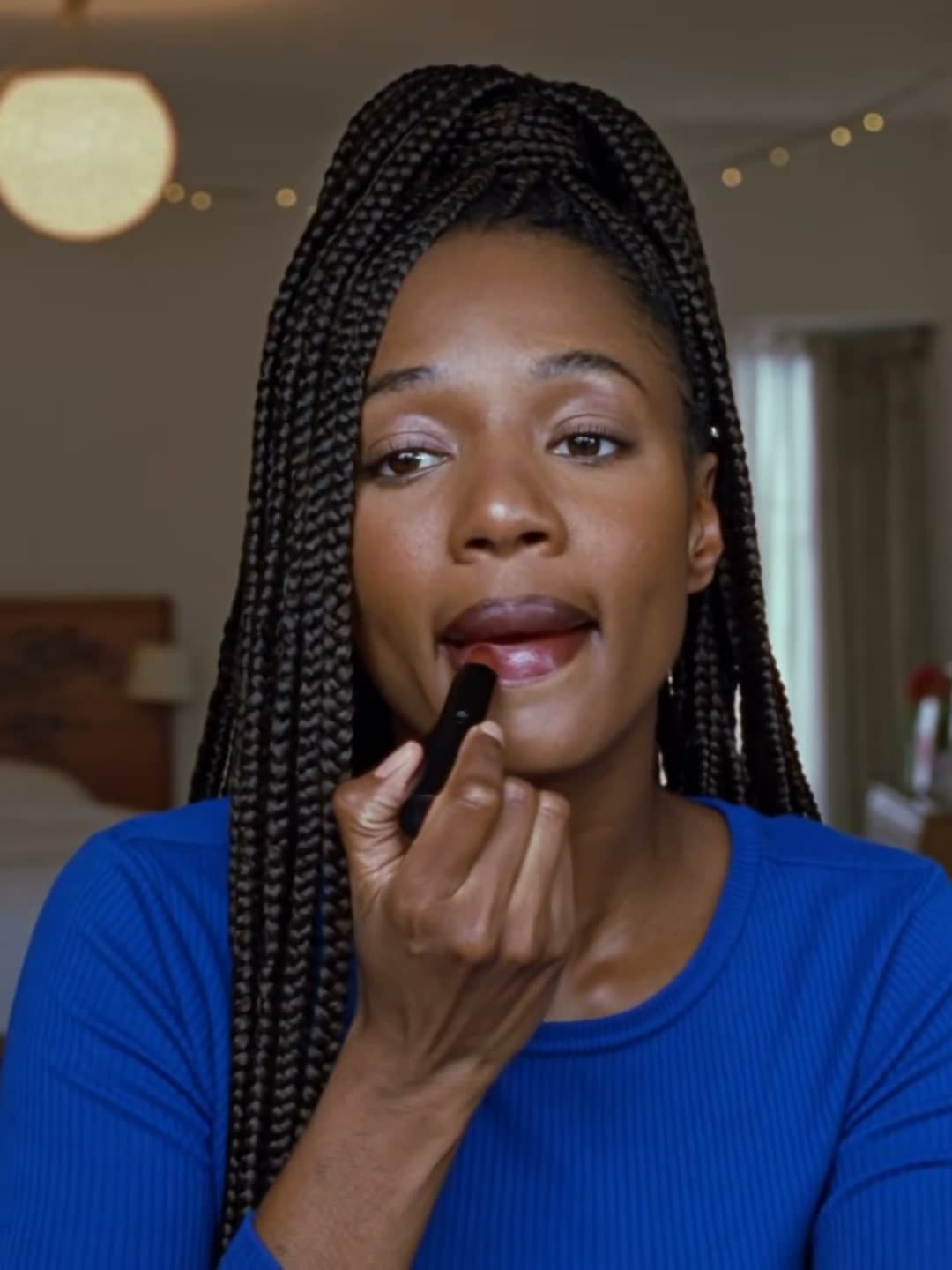
Beauty & GRWM
Your routine, on camera.

Fashion & Outfits
What you wore and why it works.
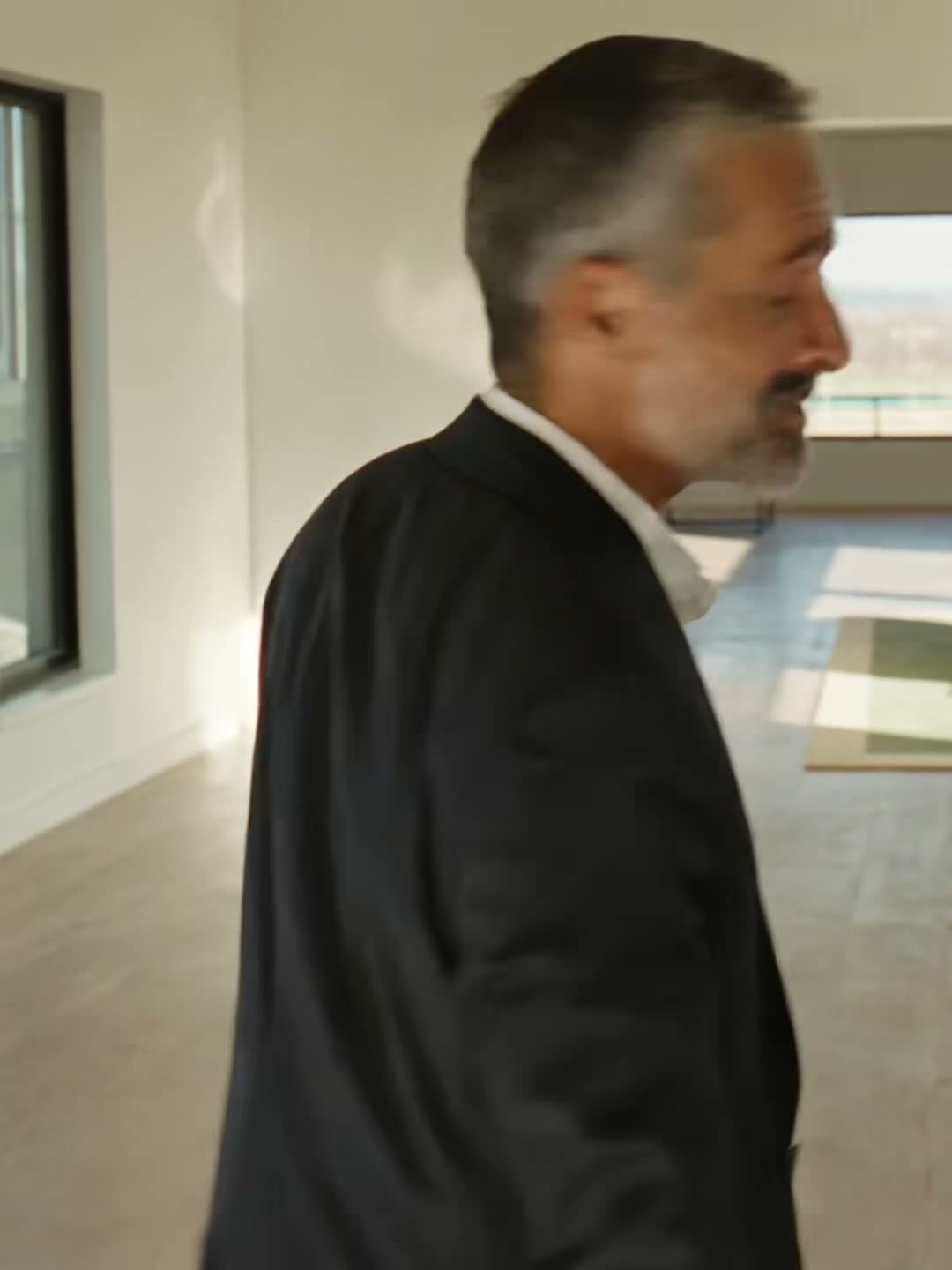
Real Estate
Walk buyers through the space.
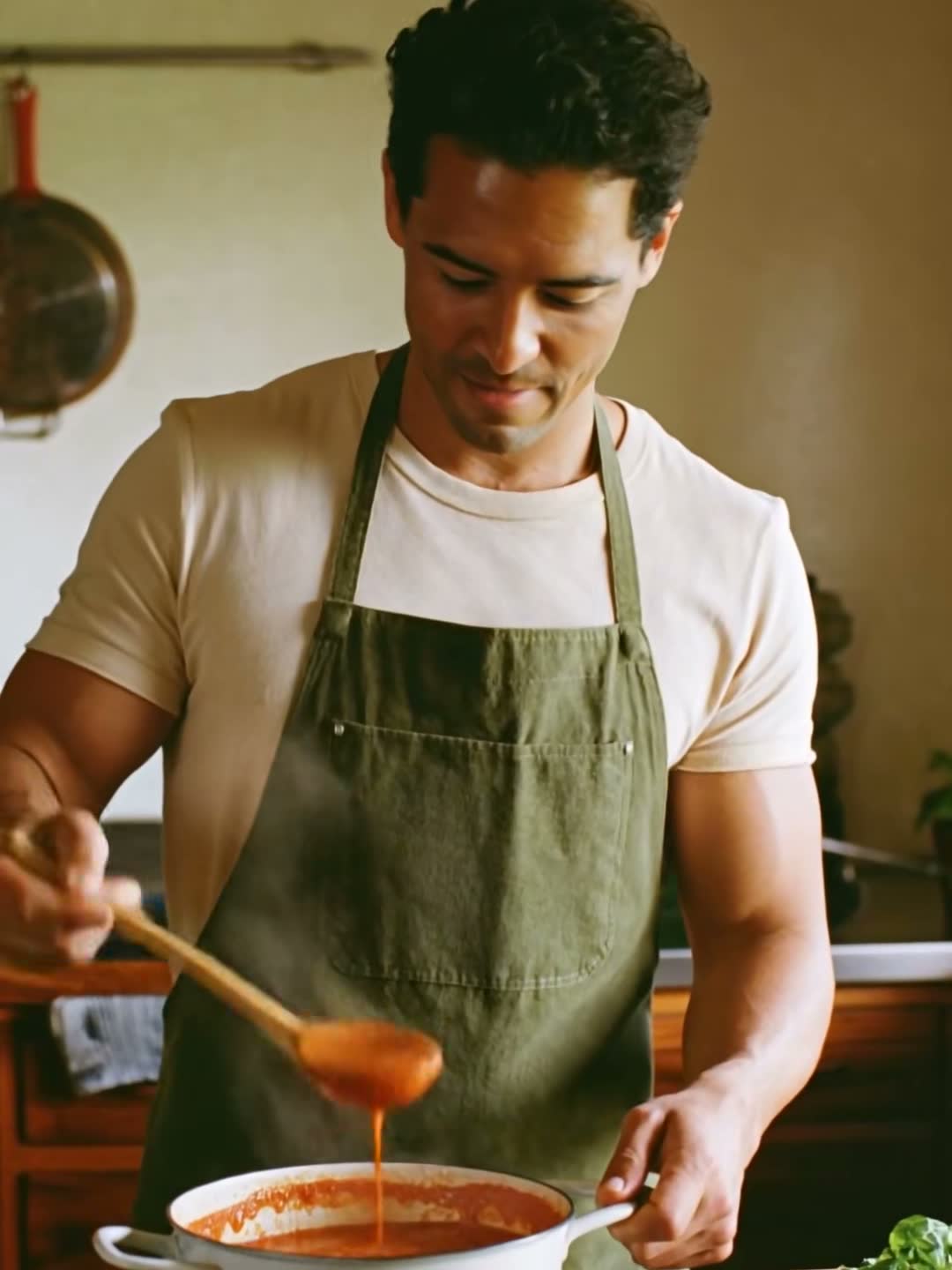
Food & Recipe
Cook it, film it, share it.
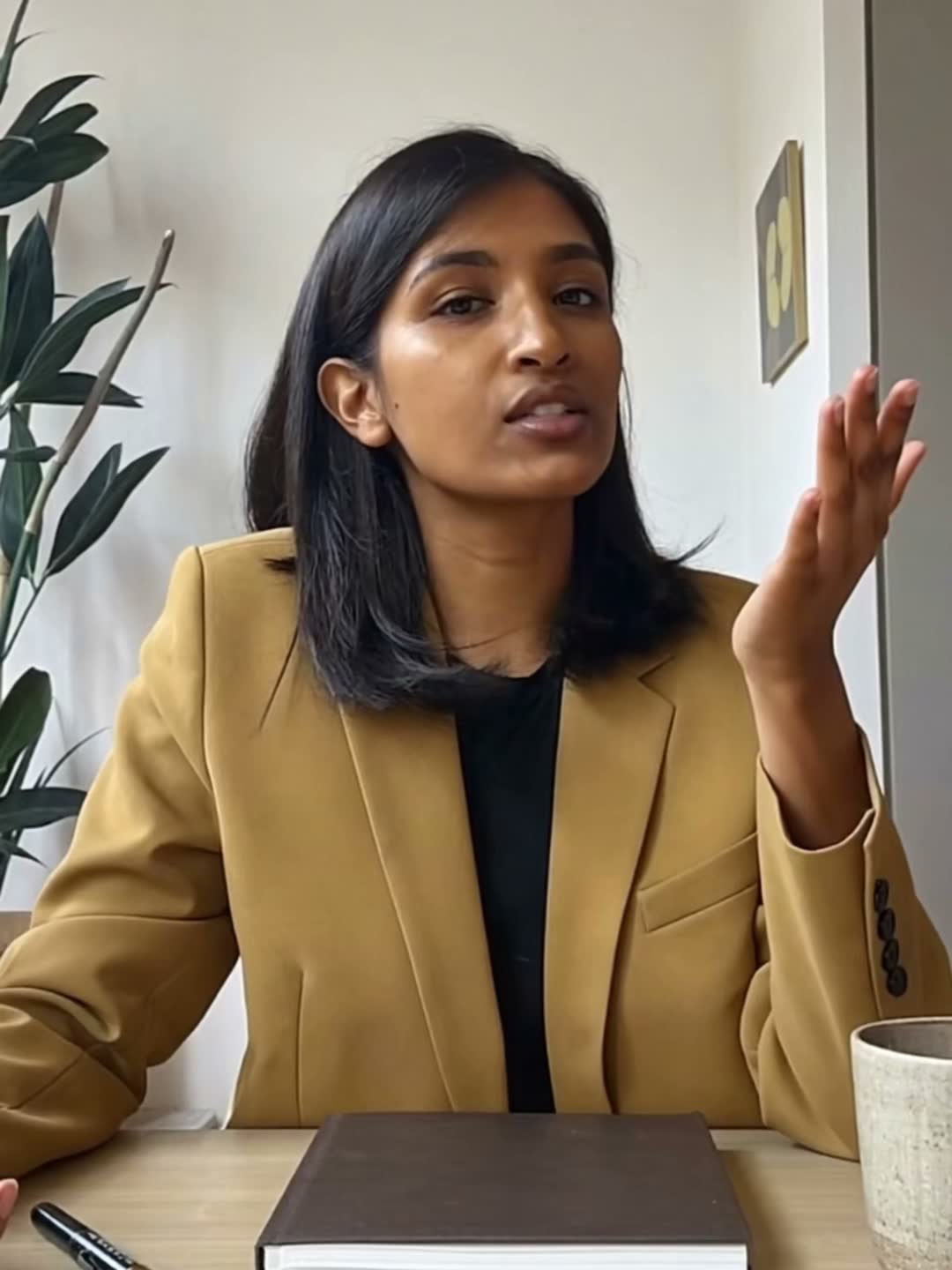
Finance & Investment
Build wealth, one smart move at a time.
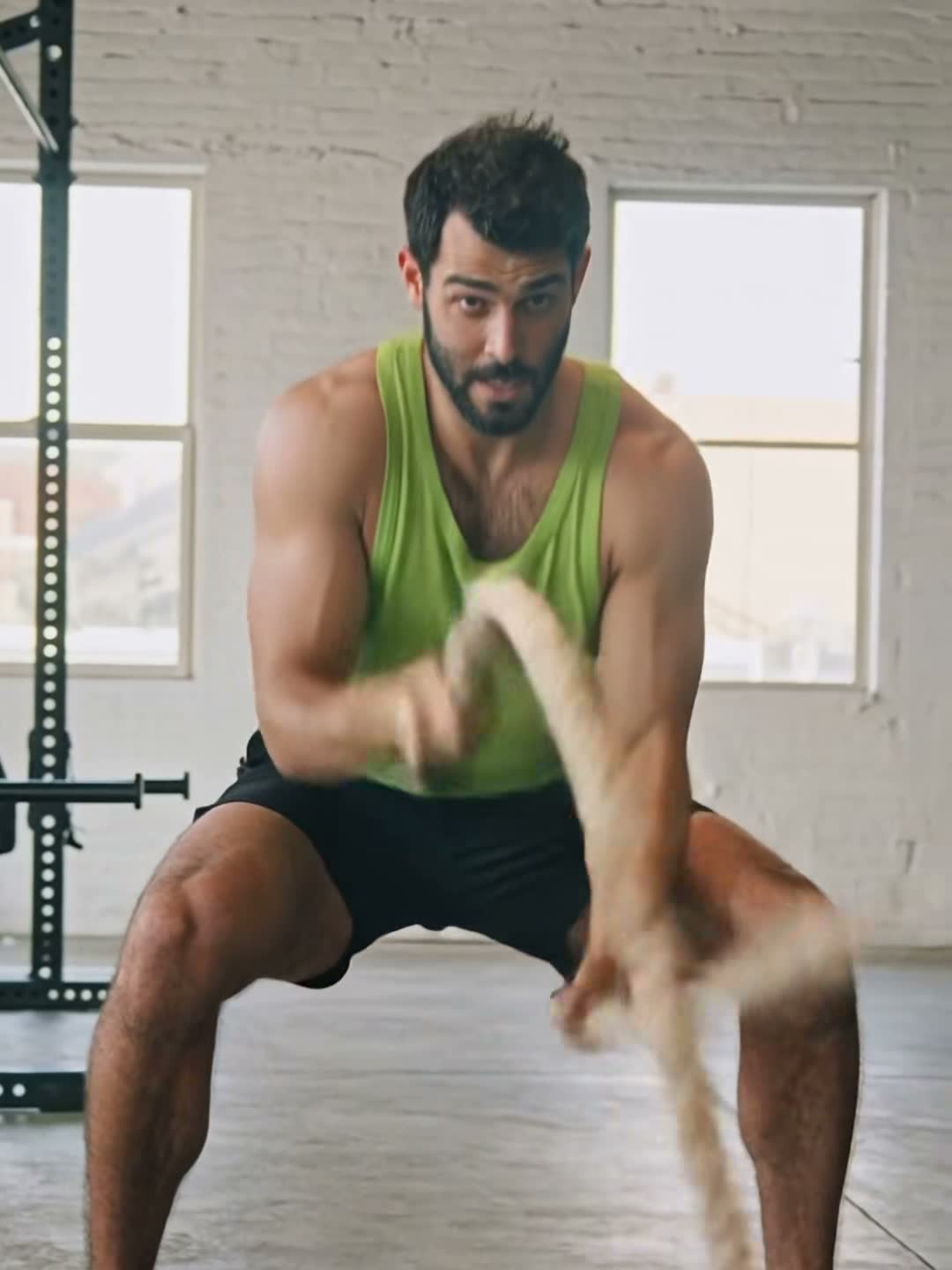
Fitness
Track the work, show the win.
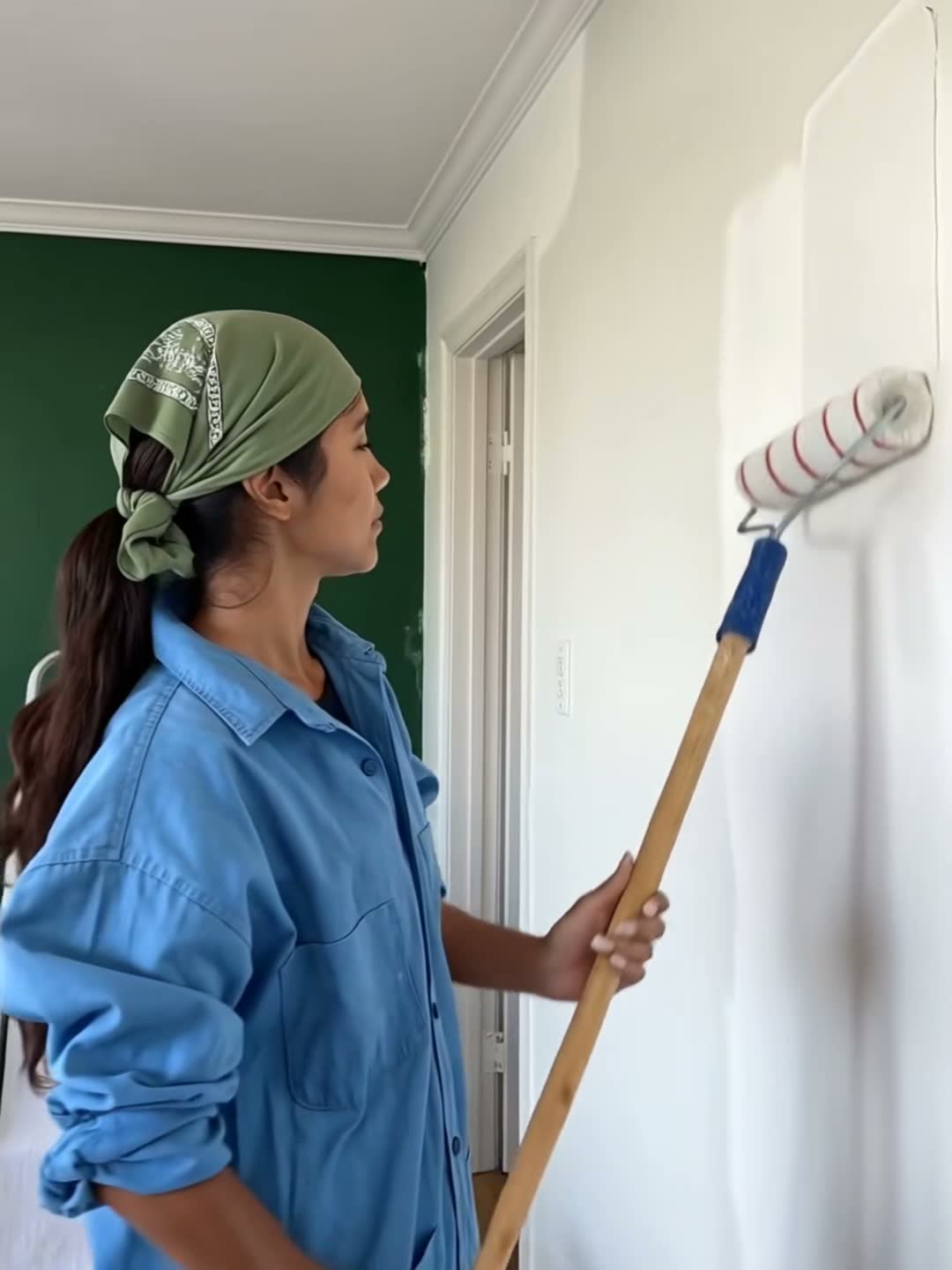
Home & DIY
Your space, before and after.

Small Business
The hands behind every order.

Events
Capture every memorable moment.
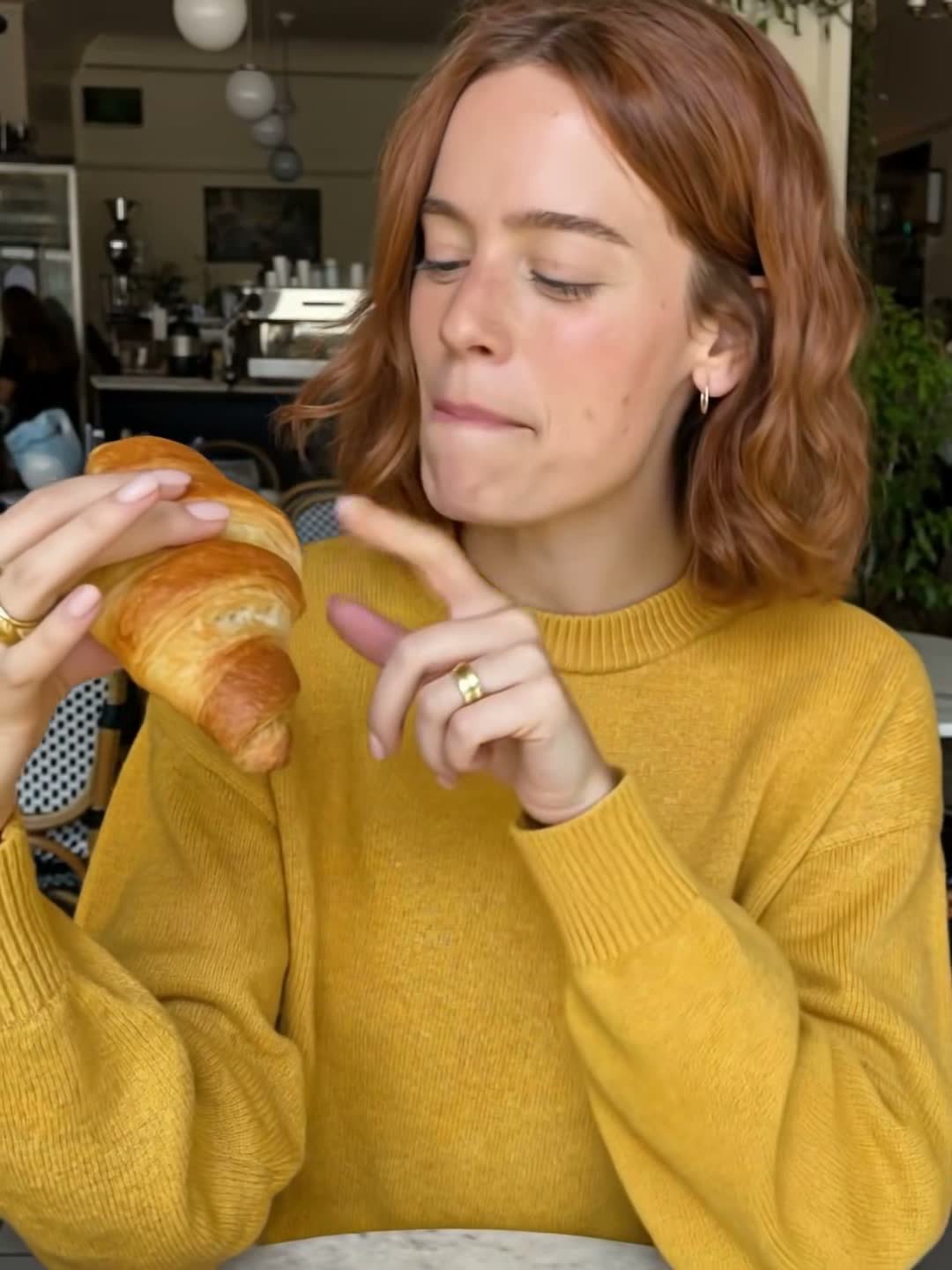
Spot Review
Restaurants, bars, shops — honest takes.
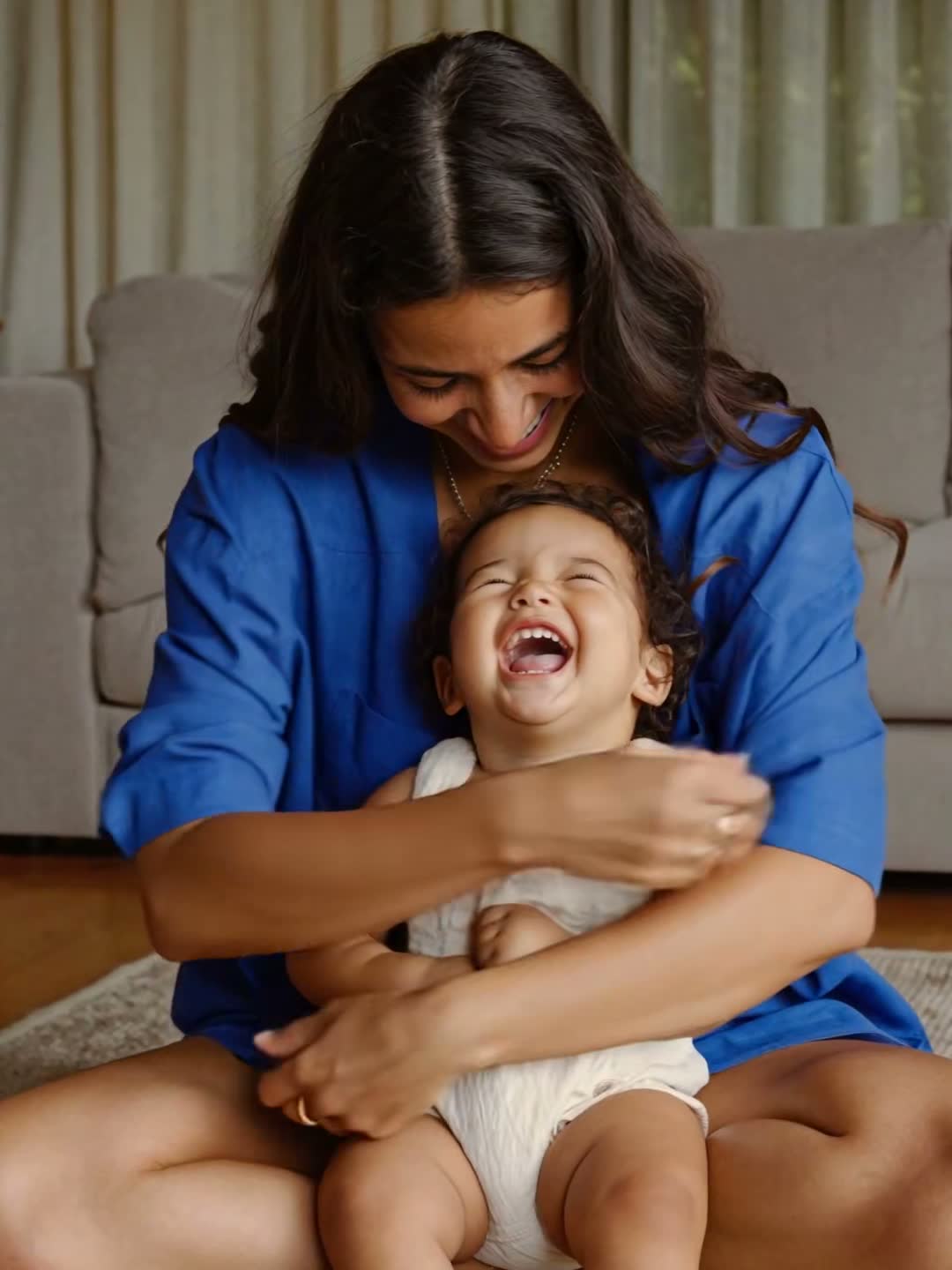
Parenting
The real, unfiltered side of raising kids.

Education
Teach it in 60 seconds.

Tech & AI Tools
The tool on screen, minus the hype.
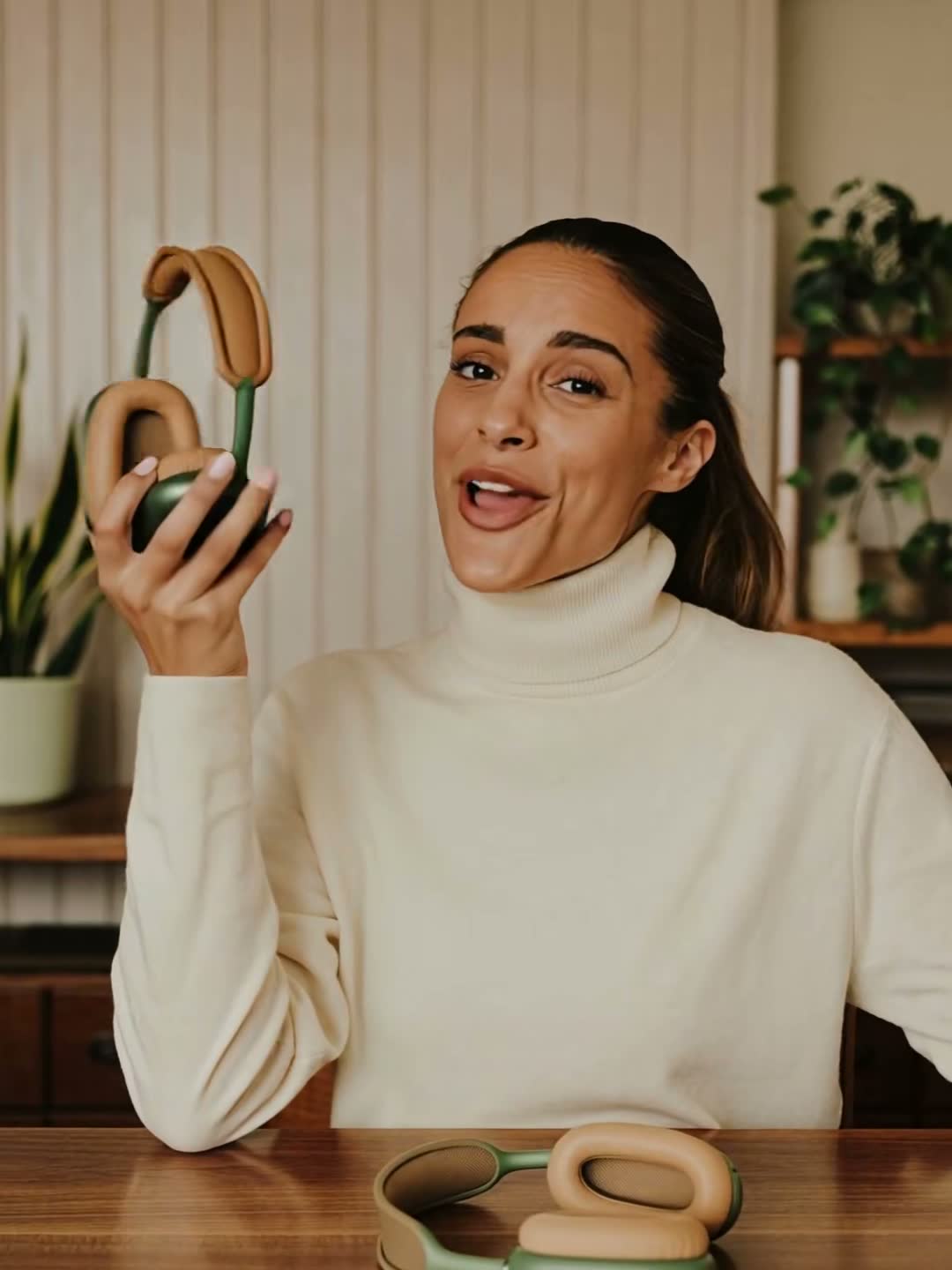
Product Review
Show off what you love.
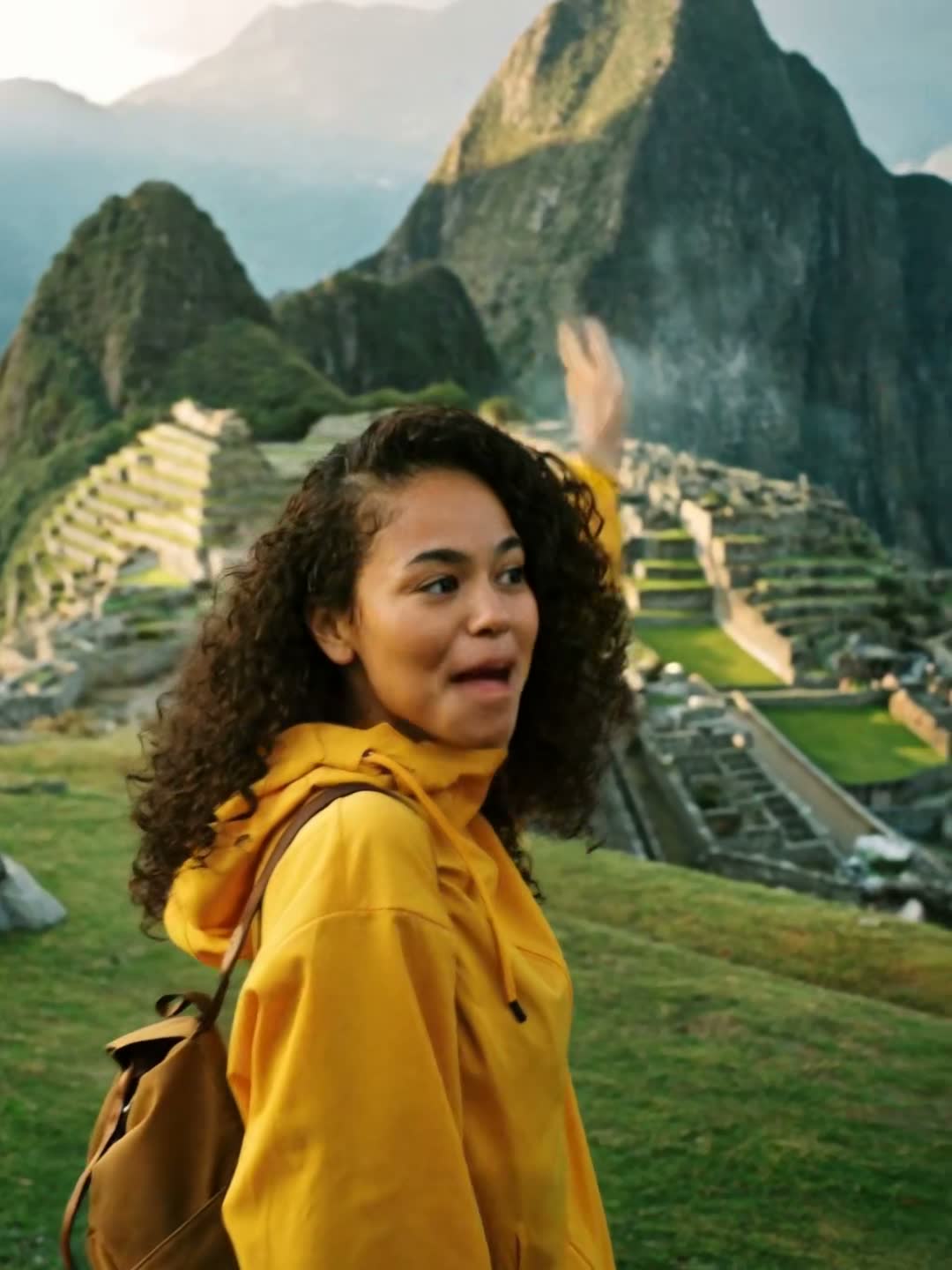
Travel
Capture the trip, keep the vibe.
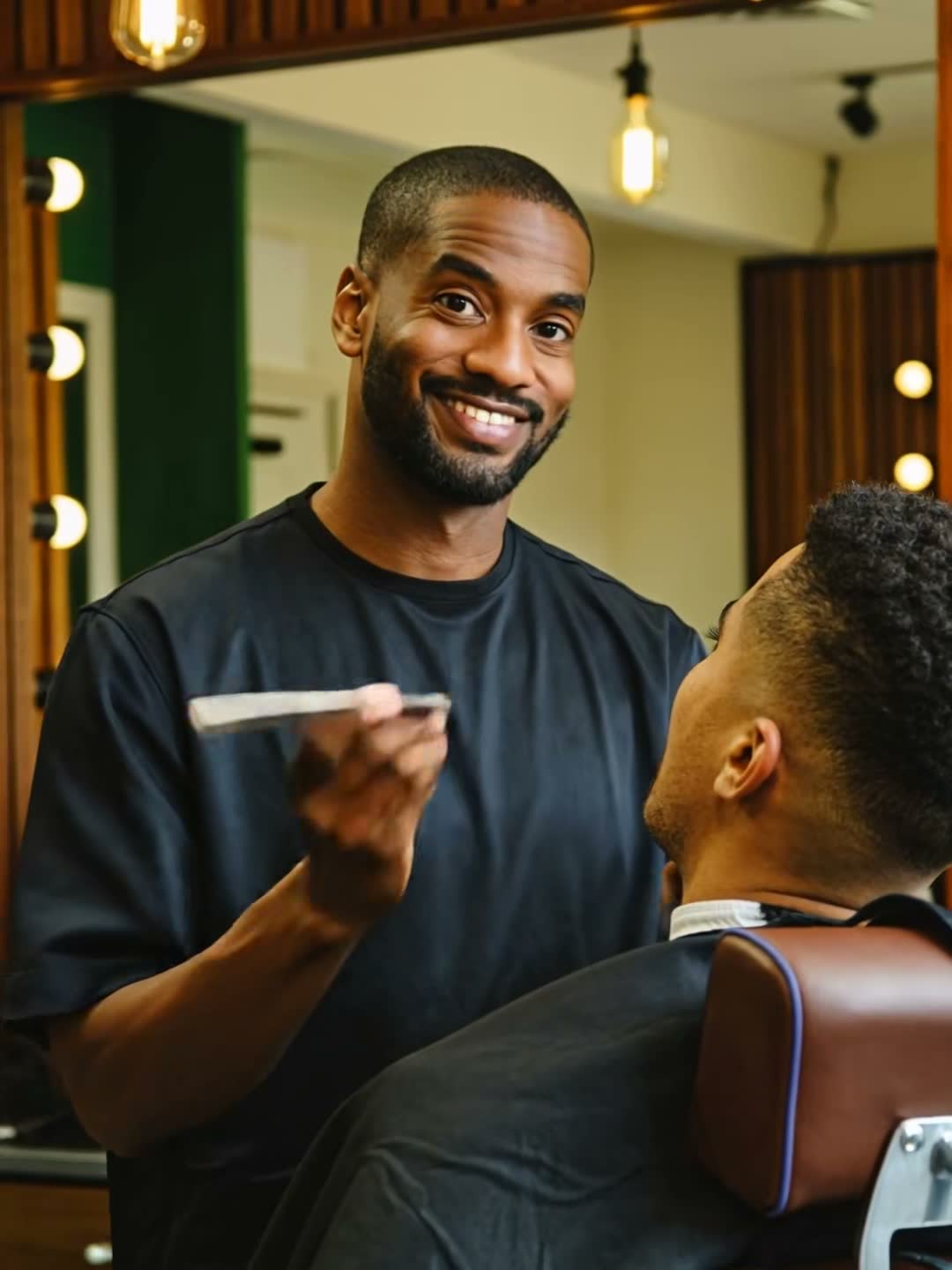
Salon & Studio
From consult to the big reveal.
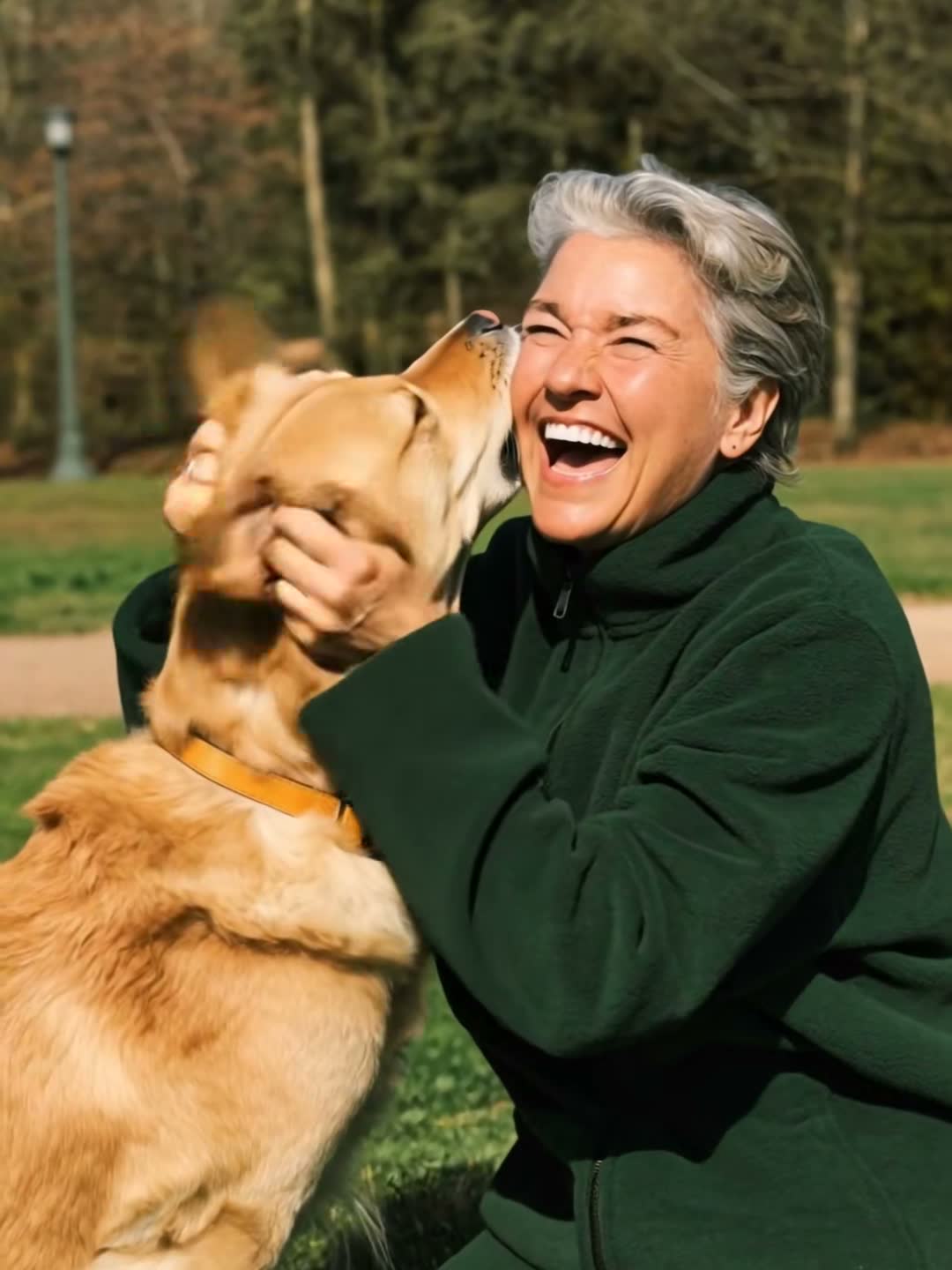
Pets
Your pet is the main character.

Health & Wellness
Small habits, honestly shared.

Career & Work
Get the job, then the raise.
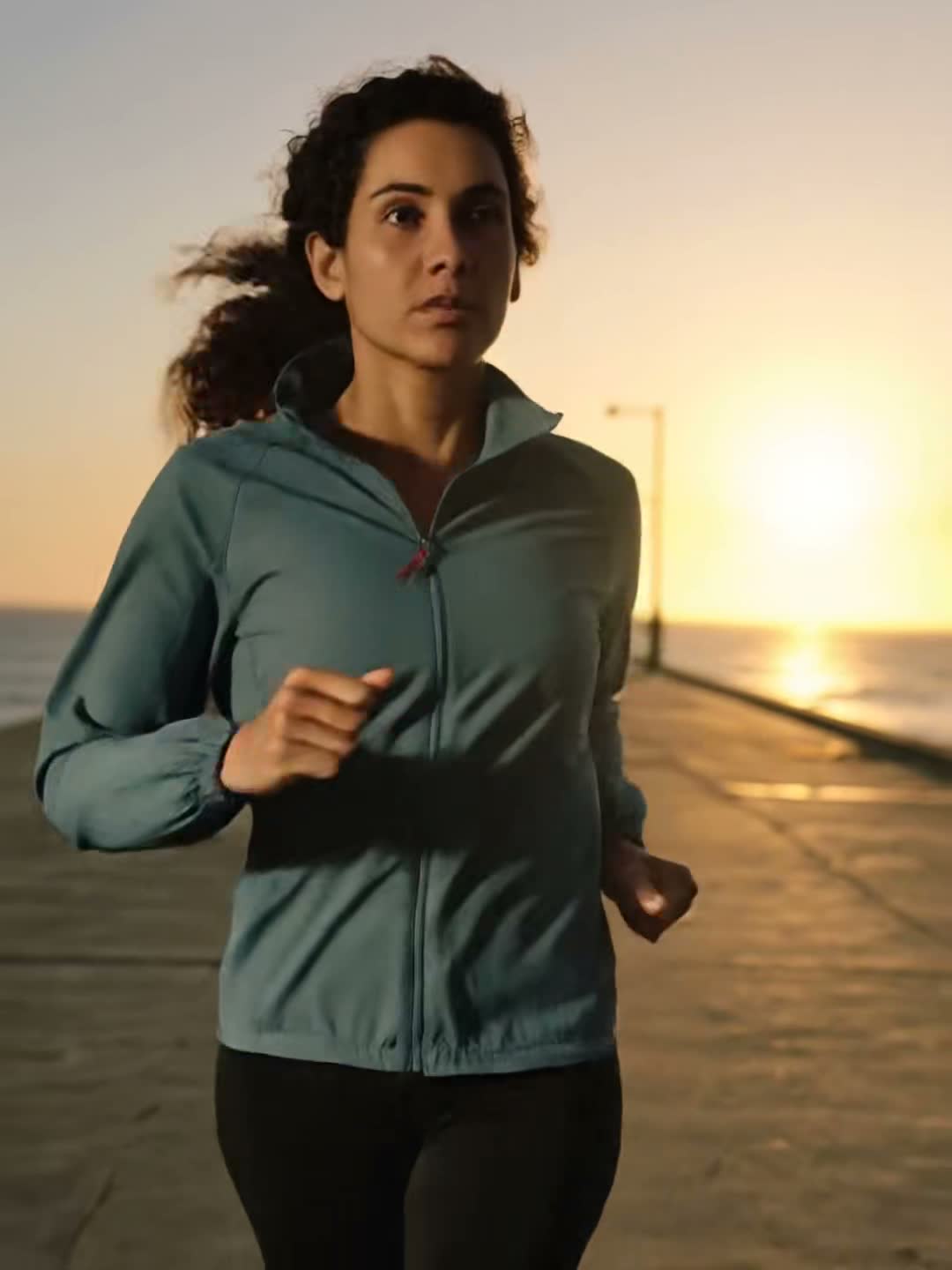
Mindset & Motivation
Lessons worth passing on.

Relationships & Dating
Real talk on love and dating.
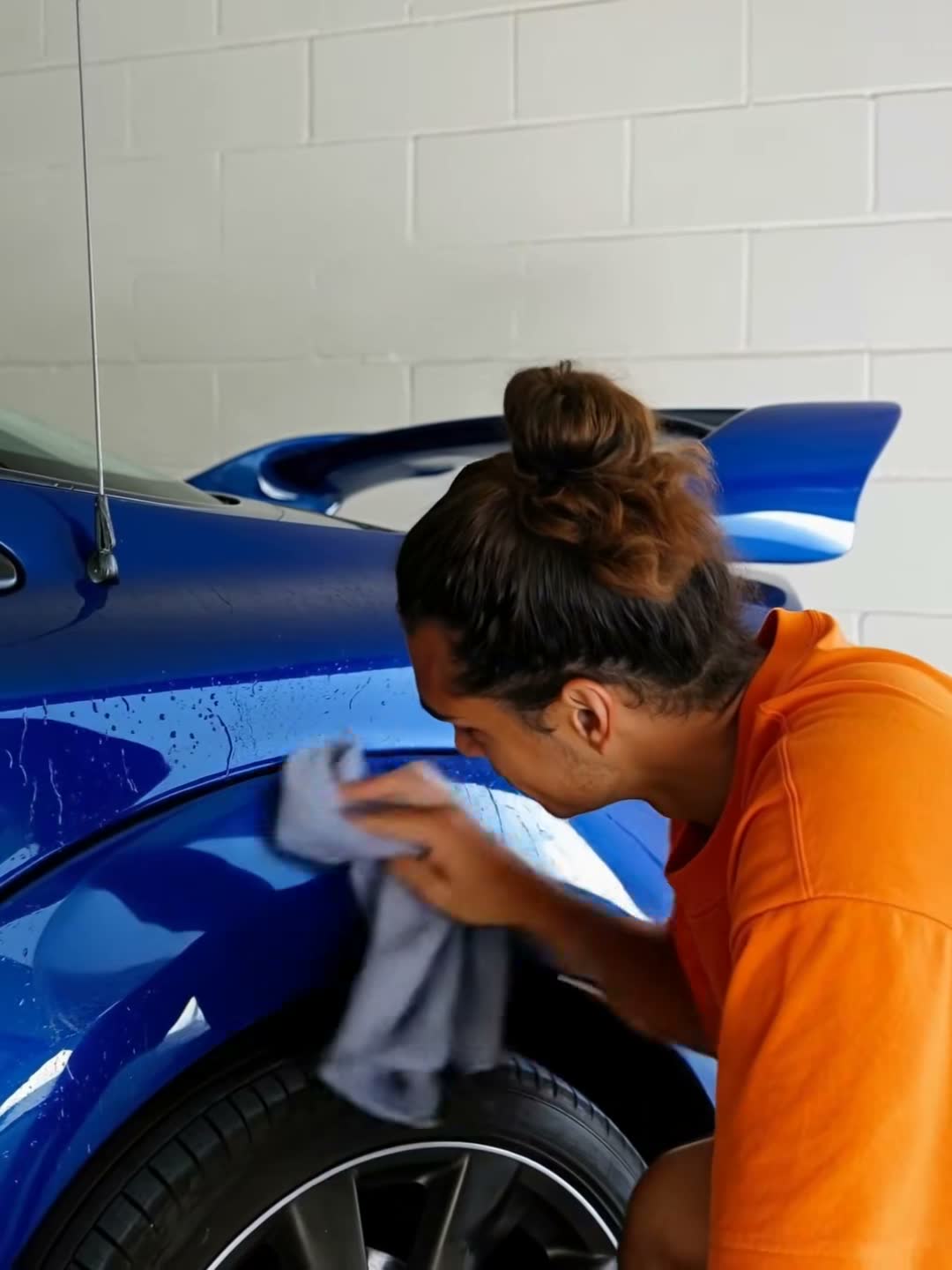
Cars & Auto
Detailing, upkeep and ownership reviews.
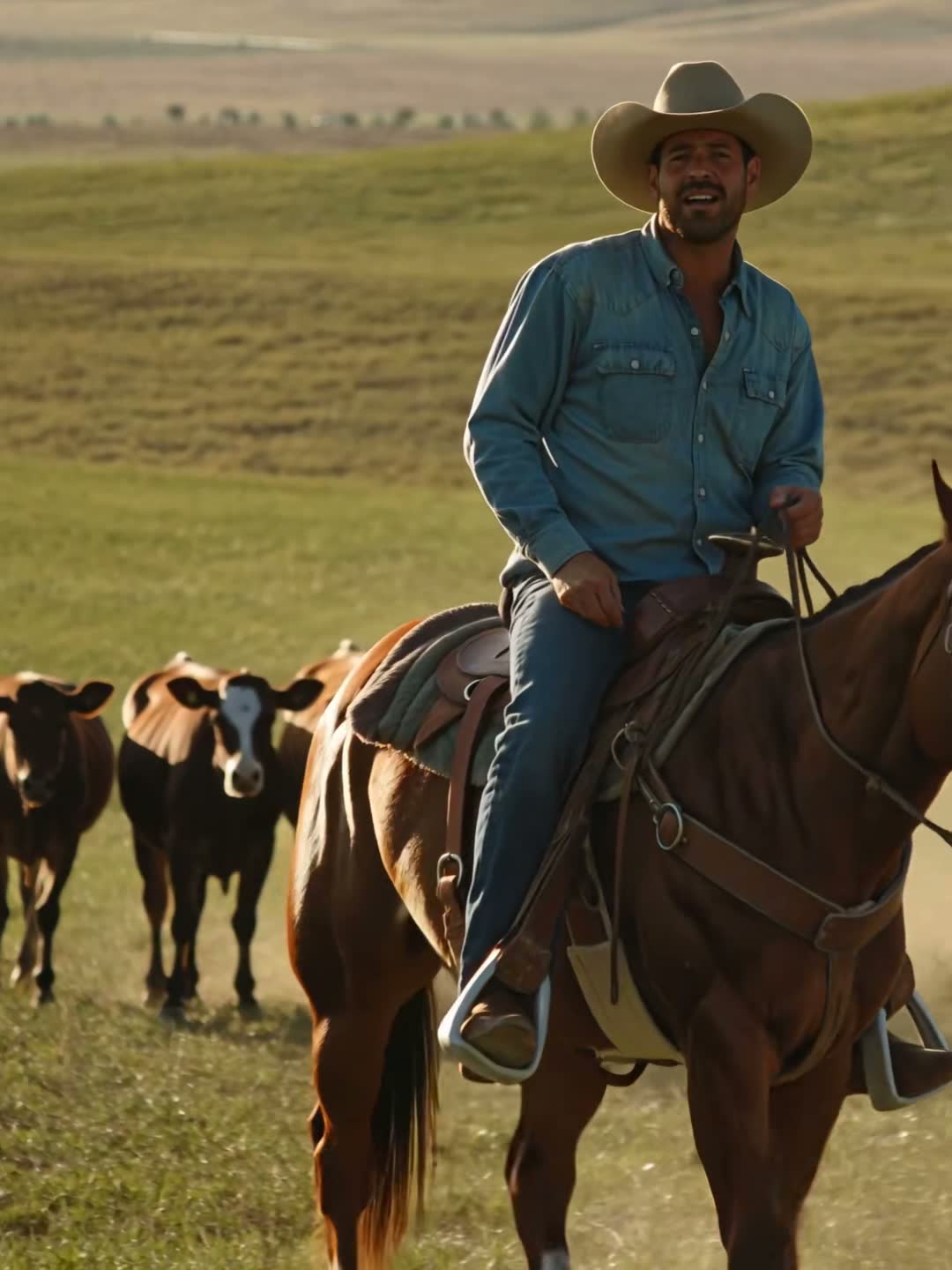
Mini Docs
Tell a short true story.

Plants & Garden
Show what you grow, season by season.
Write a script and film it, or bring a take you already have.
Type a topic or a line. Qlipt writes the script in your niche’s voice, sized to the length you pick, then plans every shot.
Hand Qlipt the raw take. It cuts the pauses, adds extra shots and captions every word.
Hand us the
raw take.
Recent
Tap one to start
Type a topic. Qlipt writes the script, plans every shot, then scrolls the words for you on the teleprompter while you film.
01
A hook, the beats and a close, sized to the length you pick. Ask for a change in your own words, or paste a script you already have.
02
The teleprompter follows your voice as you read. Every extra shot comes with a card: what to film, and the line it covers.
03
Pick a theme and Qlipt cuts the video for you: titles, captions, b-roll, transitions and sound, all timed to what you say.
Qlipt makes the first cut from your takes, and leaves every choice it made on a timeline you can change.
Qlipt reads every take, keeps your best lines and builds the edit around them. Extra shots come from what you filmed, stock footage, screen recordings or graphics.
Under the first cut is a real timeline. Trim a take, swap an extra shot, move a title, restyle every caption at once, stack photos and video in layers. Anything you change can be undone.
Every look is designed by hand. Pick one and the whole video wears it.
The theme picker: a theme previewed on a video, with the next themes to tap below it.
Revolve
01 / 60A counter turning over: the key word rolls into a forest window under a brass dial — calm, confident, considered.
Choose a videoA video whose captions change look each time it plays: Lemon Marker, Minimal Box, Lemon, Aside, Console and Taxi.
The title picker, trying each title style on the video.
The covers gallery: a blank cover and three cover designs.
Switch themes and the titles, captions, cuts and sound all change with it. Every name below is set in its theme’s own type.
The jobs that eat an afternoon, one tap each.
Words as you say them, in 57 looks.
Hand it a take, get the cut.
Cuts silences over half a second, and every um, uh, er and hmm.
 THEFinal
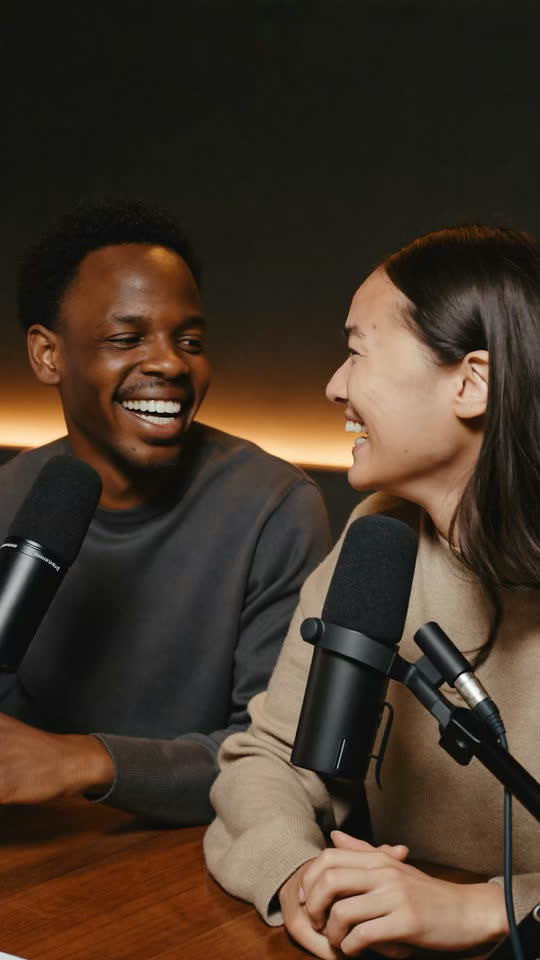 MAKE ITmove
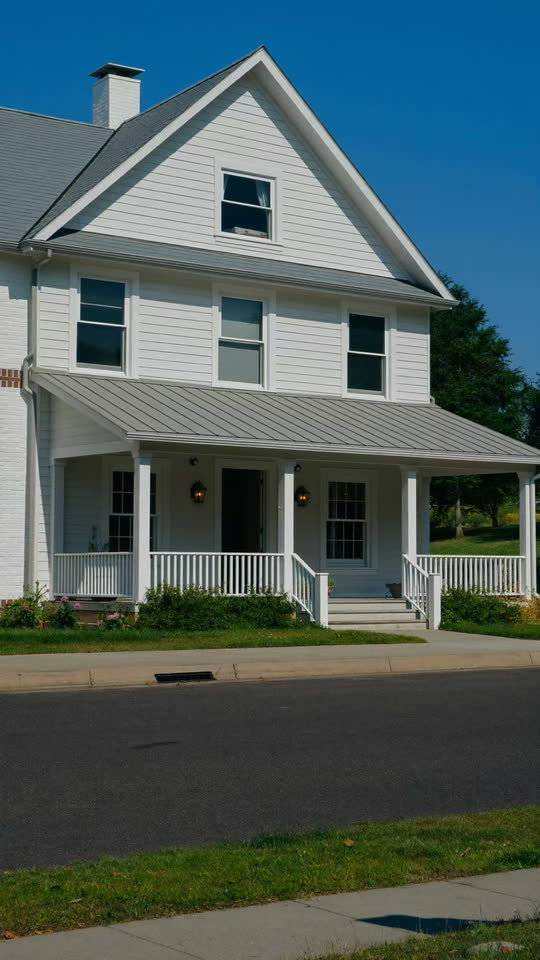 @HOMESBYDANASELLER EDUCATIONThey decide
The frame they stop on. Pick it in your edit, then one of 48 designs, in 9:16 and 16:9.
Keep the people, lose the room. Swap it for a blur, a colour or any photo.
Here’s how I film a whole week of videos in one day.
First, I batch every hook on one page.
Then I shoot them all in the same outfit, one after another.
Extra shots last, while the light is good.
Here’s how I film a whole week of videos in one day.
First, I batch every hook on one page.
Then I shoot them all in the same outfit, one after another.
Extra shots last, while the light is good.
Read while you look up. It follows your voice, or keeps a steady pace.
Your photos and clips fill the screen while you react in the corner.
Type what should be said. The voice is made on your phone and laid under your extra shots.



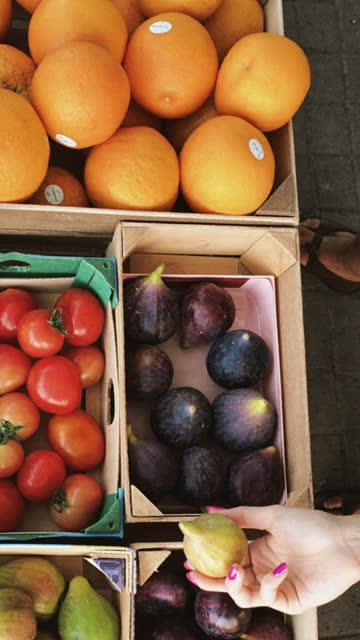

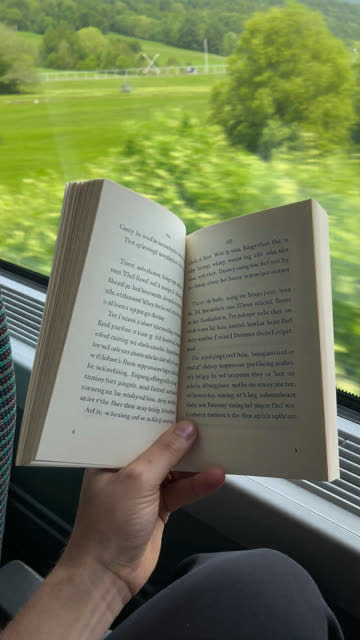
Nothing goes to waste. Your extra shots, cut to the beat as new posts.

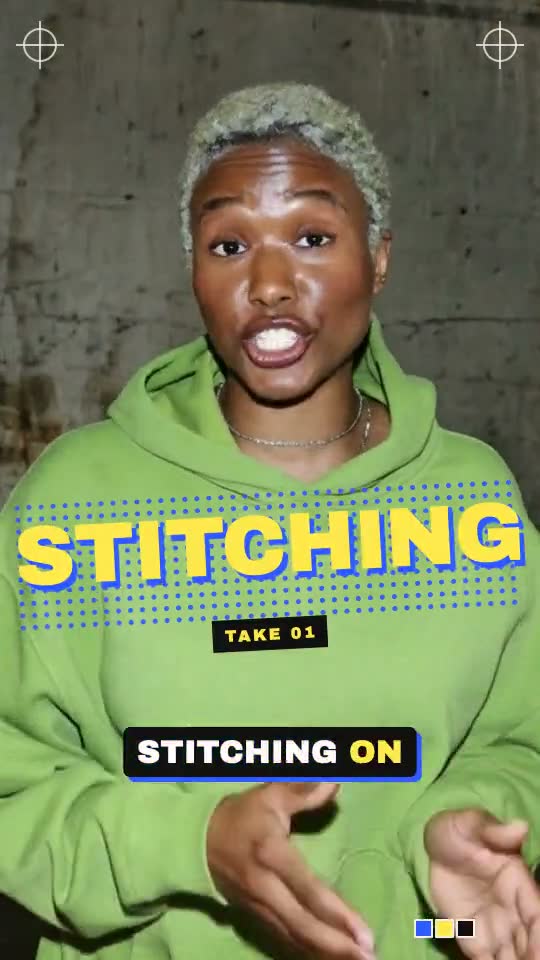
30 cuts, from film light leaks to whip pans, glitches and paper tears.
23 tracks to cut to, and sound effects your theme places for you.
1080p free, 4K with Pro. Saved to Photos with its cover.
Your first video and edit with Qlipt AI are on the house. Go Pro when you’re posting every week.
Free
$0
Free to download
Pro The whole studio
$79.99a year
Starts with 7 days free · or $12.99 a month
The yearly plan starts with a 7-day free trial that includes 3 videos with Qlipt AI, then $79.99 a year (about $6.67 a month). Need more? Pro members can add 10 more videos with Qlipt AI for $5.99, a one-time purchase kept until used. US prices; the App Store shows yours. Subscriptions renew automatically unless cancelled at least 24 hours before the end of the current period. Manage or cancel in your Apple Account settings.
Qlipt comes to the App Store for iPhone. Leave your email and we’ll send a note on launch day.
We’ll email you on launch day, October 15. No spam.
October 15, on the App Store for iPhone. It’s free to download. Leave your email and we’ll send a note on launch day.
Videos where you talk to camera: tips, stories, reviews, recipes, listings, a day in your life. Qlipt writes for 25 topics out of the box, and you can always paste your own script or bring footage you’ve already shot.
No. Qlipt makes the first cut for you: pauses and retakes out, extra shots in, captions on. If you want to change something, there’s a real timeline underneath, and anything can be undone.
No. You film yourself, and Qlipt never makes a stand-in presenter. AI writes your script, plans the edit and can make graphics for your extra shots. The voice in the Voiceover tool is your iPhone’s own.
They stay on your phone: recording, editing and export all happen on your device. Once you agree, Qlipt sends the text you type, transcripts of what you say and short descriptions of your footage to its AI providers to write scripts and plan edits. They don’t train on it. The full details are in the privacy policy.
Qlipt is free to download. The free plan gives you one video and one edit with Qlipt AI to try, your own caption style, 5 basic looks, 2 themes, 9 titles and 5 covers. Free exports are 1080p and end with a short “Made with Qlipt” card.
Qlipt Pro is $79.99 a year, starting with a 7-day free trial that includes 3 videos with Qlipt AI, or $12.99 a month (US prices). Pro gives you 20 videos a month with Qlipt AI (scripts, shot plans and edits), every look, theme, title and cover, 4K export with no end card, and unlimited reactions, voiceovers, recaps, background removal and pause cuts. Need more? Pro members can add 10 more videos with Qlipt AI for $5.99, kept until used.
Subscriptions renew automatically unless cancelled at least 24 hours before the end of the current period. Manage or cancel them in your Apple Account settings.
Any iPhone on iOS 17 or later.
Anywhere that takes vertical video. Qlipt exports 9:16 in 1080p, or 4K with Pro, and saves it to Photos with its cover, ready to post.
Questions, bugs or billing: email qliptapp@gmail.com and we’ll get back to you.
Your account and Pro How to